

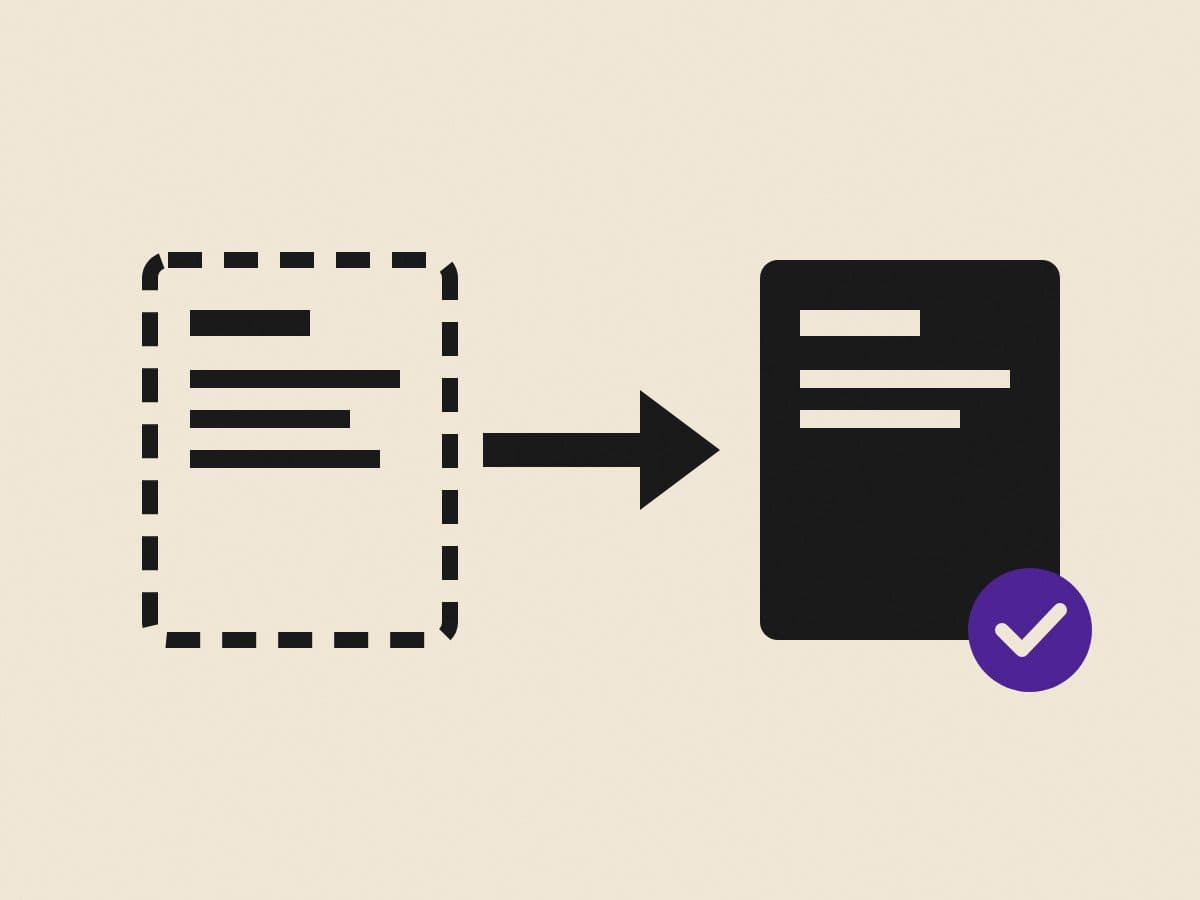
An SEO-safe way to move a WordPress site to Next.js without losing rankings: crawl, URL map, redirects, content, schema and what to watch after launch.
A migration from WordPress to Next.js is one of the best upgrades a company website can get: faster pages, no plugin stack to patch, and a far smaller attack surface. It's also the moment most sites lose rankings, and almost always for the same few reasons.
The platform isn't the problem. Rankings are lost through missing redirects, changed titles and dropped content. Here's the checklist I work through on every migration.
Before the rebuild
1. Crawl the current site. List every URL: pages, posts, categories, tags, images, PDFs. Use a crawler and your XML sitemap, and don't trust either on its own.
2. Export what Google knows. In Search Console, export the pages that get impressions and clicks. These are the URLs you cannot afford to break.
3. Find the backlinks. Pages that other sites link to carry authority. They need a redirect even if they get no traffic.
4. Record titles, descriptions and headings. Changing them all at once on launch day makes it impossible to tell what caused a ranking drop.
The URL map
5. Map every old URL to a new one. One spreadsheet: old URL, new URL, status. Keep URLs identical wherever possible. Where they must change, choose the closest equivalent page, not the home page.
6. Decide what to drop. Thin tag pages and outdated posts can go, but redirect them to something relevant rather than letting them 404.
During the build
7. Render complete HTML. Next.js can send full HTML for every page. Make sure it does: no content that only appears after JavaScript runs. This is what lets Google and AI crawlers read the site.
8. Carry the content across. Same body text, same headings, same internal links, same images with alt text, before you start improving anything.
9. Add structured data. Organization, breadcrumbs, articles, services, FAQs. WordPress plugins often added some of this; make sure the new site doesn't lose it (Google Search Central: structured data).
10. Rebuild the XML sitemap and robots.txt for the new URLs.
Launch day
11. Put the 301 redirects live at the same moment as the new site, and test a sample of them from the spreadsheet (Google Search Central: redirects).
12. Check canonical tags, hreflang (if you have languages) and noindex settings. A leftover noindex from staging is the fastest way to disappear from Google (Google Search Central: hreflang).
13. Submit the new sitemap in Search Console and Bing Webmaster Tools.
After launch
14. Watch Search Console daily for two weeks. 404s, redirect errors, pages "discovered but not indexed". Fix them as they appear.
15. Compare traffic by page, not just in total. A total that looks fine can hide a key page that dropped.
A small dip in the first week is normal while Google recrawls. A sustained drop almost always traces back to a URL that was missed in step 5.
Why bother
Because the upside is real. When we rebuilt ANiX Fire Solutions off a generic template, the new site scored 100 for performance, best practices and SEO in Lighthouse on desktop, and it won the company a contract. And we moved Sotheby's Montenegro off WordPress onto a custom Next.js build.
If you're weighing a move, here's how we run WordPress to Next.js migrations, and why WordPress costs more than it looks over five years.
Frequently asked questions
Will I lose SEO if I move from WordPress to Next.js?
Not if every indexed URL is mapped and redirected, titles and content are carried across, and Search Console is monitored after launch. Faster pages usually help rankings.
What is the most common mistake in a WordPress migration?
Forgetting URLs: old blog posts, category pages, image URLs and PDFs that still get traffic but aren't in the new sitemap, and so return 404 after launch.
Should URLs stay the same when migrating?
Keep them wherever they already rank. Where a URL has to change, add a permanent 301 redirect from the old address to the closest new page.